



































Published on December 2025


As the final weeks of 2025 approach, IT leaders across industries are turning their attention to the year ahead. Whether your organization is preparing for growth, compliance reviews, or a new hiring cycle, your Apple environment needs to be optimized, secure, and ready to support business goals. A ...
Thursday 11 December, 2025
tags:
business

Do you repeatedly find yourself wanting to do something in the Finder with every file of a certain type? Perhaps you regularly download files from a particular website that come in with a .txt extension, even though they're CSV files that should have a .csv extension? Or maybe you want to rename fil...
Friday 05 December, 2025

One of the big wins of using a password manager is that you don't need to remember or enter most passwords-the app does that for you. Even those passwords that must be entered manually can be looked up if you forget them. However, people who don't use password managers regularly forget passwords and...
Friday 05 December, 2025
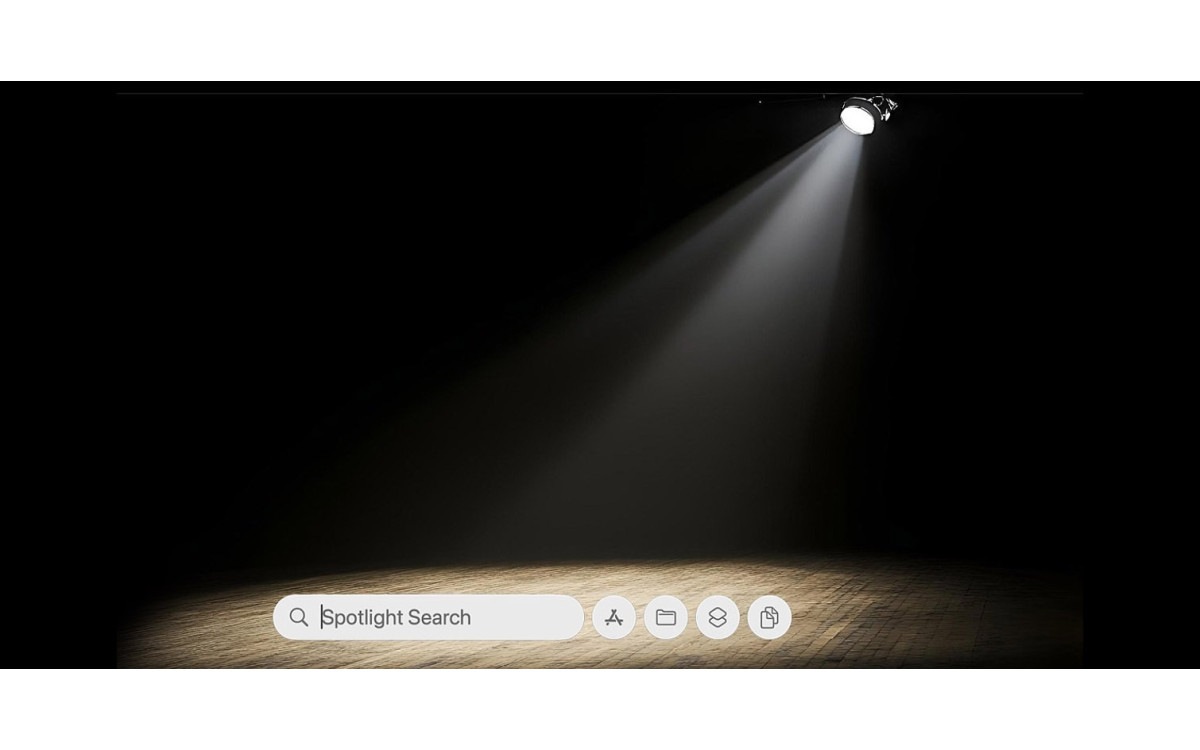
Spotlight has been a staple on macOS for decades, and at various points in its history, Apple has added new search capabilities. However, the revamp that Spotlight enjoyed in macOS 26 Tahoe is the most significant change in a long time. Here are the new features you'll experience in Tahoe. Filterabl...
Friday 05 December, 2025
We're approaching the end of 2025, so we encourage you to consider your New Year's resolutions. For many people, the new year offers an opportunity to reflect on habits we'd like to adopt or solidify. Although we support reducing social media use and making other positive lifestyle changes, we'd lik...
Friday 05 December, 2025

Apple's latest operating systems have eliminated a longstanding annoyance for frequent travelers: the lack of time zone support in Reminders. If you had set a reminder to alert you at 9 AM Eastern and then traveled from Virginia to California, your alert would go off at 6 AM, which is likely unhelpf...
Friday 05 December, 2025

A potentially surprising and fun new feature in Messages in iOS 26, iPadOS 26, and macOS 26 Tahoe is conversation backgrounds. To set one, tap the person or group icon at the top of the conversation, then tap Backgrounds, select an image, and tap the blue checkmark to save. What you might not realiz...
Friday 05 December, 2025
If you use certain apps or documents regularly, you can ensure they're ready to go after a restart by manually adding them to your Login Items list. Some login items are also added automatically by apps that want to be available at all times. Either way, when the Mac boots, it automatically opens al...
Friday 05 December, 2025

Apple introduced a neat new feature in the Phone app in iOS 26 and iPadOS 26 (but not macOS 26): callback reminders. Whenever you miss a call and think, "I' better call this person back later," you can now create a reminder to do that right within the Phone app. Swipe left on any call,......
Friday 05 December, 2025

Apple’s silicon roadmap continues to push the boundaries of business computing, with each generation offering smarter performance, greater efficiency, and tighter integration across Apple ecosystems. The M4 chip, launched earlier in 2024 and can be found in devices like the iMac and 13-inch Ma...
Thursday 04 December, 2025
tags:
business
Showing 1 to 11 of 11 (1 Pages)