












Your Cart
We use cookies 🍪
We use cookies and other similar technologies to improve your browsing experience and the functionality of our site. Learn more in our Privacy Policy.

Tag customization

Automate Your Mac with Folder Action Scripts

Do you repeatedly find yourself wanting to do something in the Finder with every file of a certain type? Perhaps you regularly download files from a particular website that come in with a .txt extension, even though they're CSV files that should have a .csv extension? Or maybe you want to rename fil...
Adam Engst Friday 05 December, 2025
views: 1319 Read More

Don't Miss Calls and Texts: How to Use New Phone and Messages Filtering

Spam is one of the many banes of modern existence. While we receive more email spam than anything else, interruptions from unwanted phone calls and text messages are even more annoying. Apple has added various features over the years to help control spam calls and messages, but none have completely ...
Adam Engst Friday 07 November, 2025
views: 1100 Read More

What's Liquid Glass, and What to Do If You Don't Like It

If you've been following Apple's recent product releases, you've probably heard the term "Liquid Glass" That's what Apple calls its newest design language, a combination of an aesthetic look and functional philosophy for the user interface in iOS 26, iPadOS 26, and macOS 26 Tahoe, in particular, but...
Adam Engst Friday 03 October, 2025
views: 150 Read More

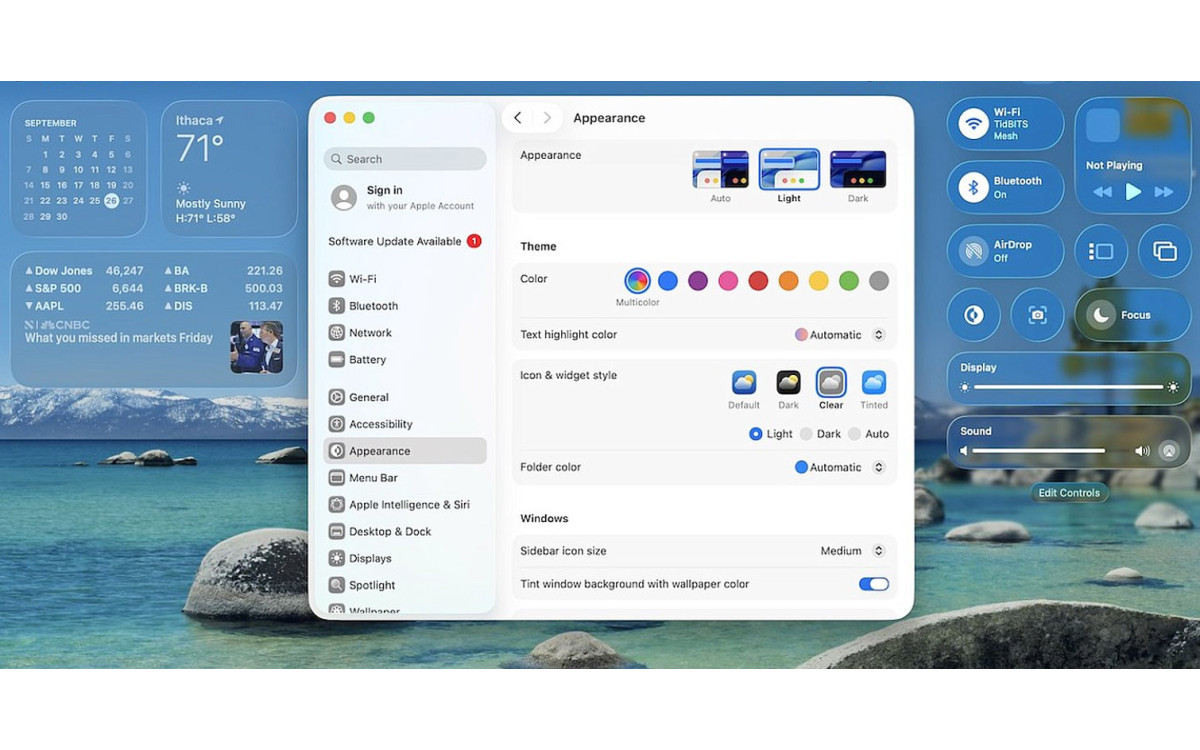
Notable User Interface Changes to Expect in macOS 26

macOS 26 Tahoe is a larger visual leap than any recent upgrade. Although we don’t yet recommend that everyone upgrade, we want to show you some of the user interface changes that will impact your everyday experience of using the Mac. Liquid Glass Changes Many of these changes stem from Apple's...
MBS Team Friday 03 October, 2025
views: 13 Read More

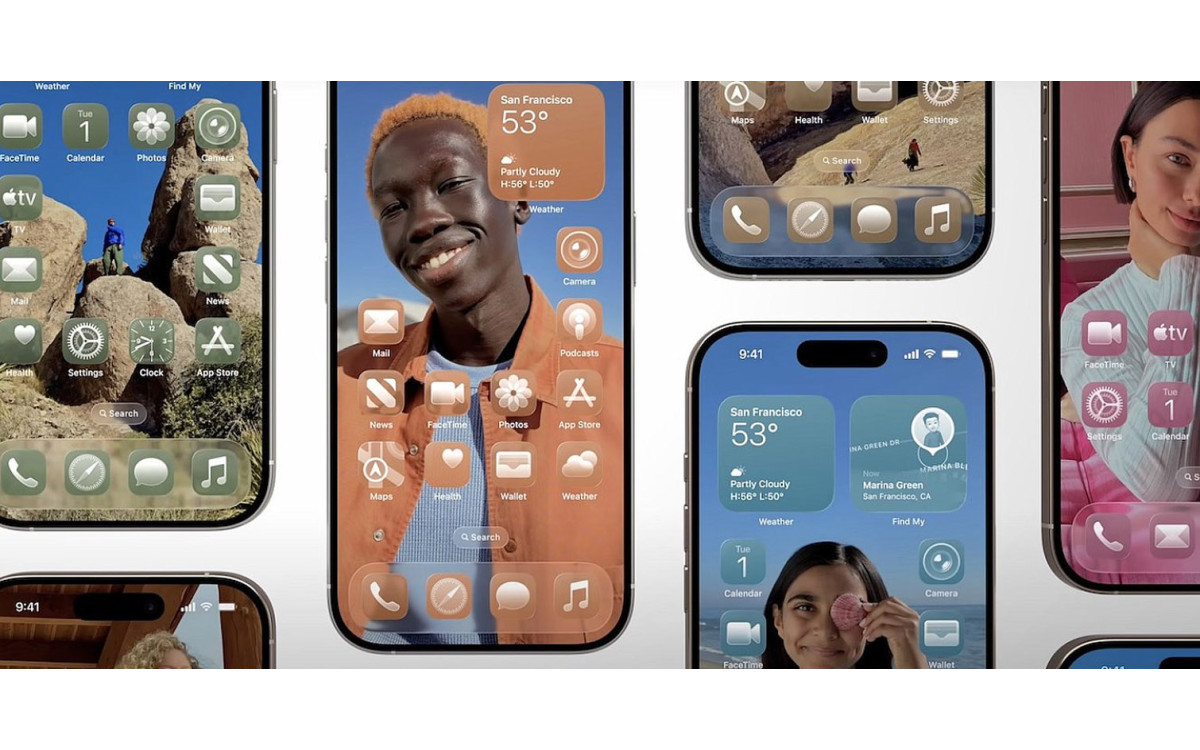
How to Customize the iPhone and iPad Home Screen with Liquid Glass

When describing its new Liquid Glass design language, Apple spoke only generally about how users could change the look of icons and widgets on their iPhone and iPad home screens to be dark, clear, or tinted, without specifying how to do that. The trick is to touch and hold an empty spot on the Home....
Adam Engst Friday 03 October, 2025
views: 1360 Read More
Showing 1 to 6 of 6 (1 Pages)