















Zero-Touch Apple Deployment for Growing Teams: What It Takes Under 100 Devices
You hired three people last month. You have three more starting next week. Somewhere in between, you ordered six MacBook computers and now they're sitting in a pile waiting for someone to set them up.
If "someone" is you, and setting up laptops is not your job, you already understand why zero-touch deployment exists.
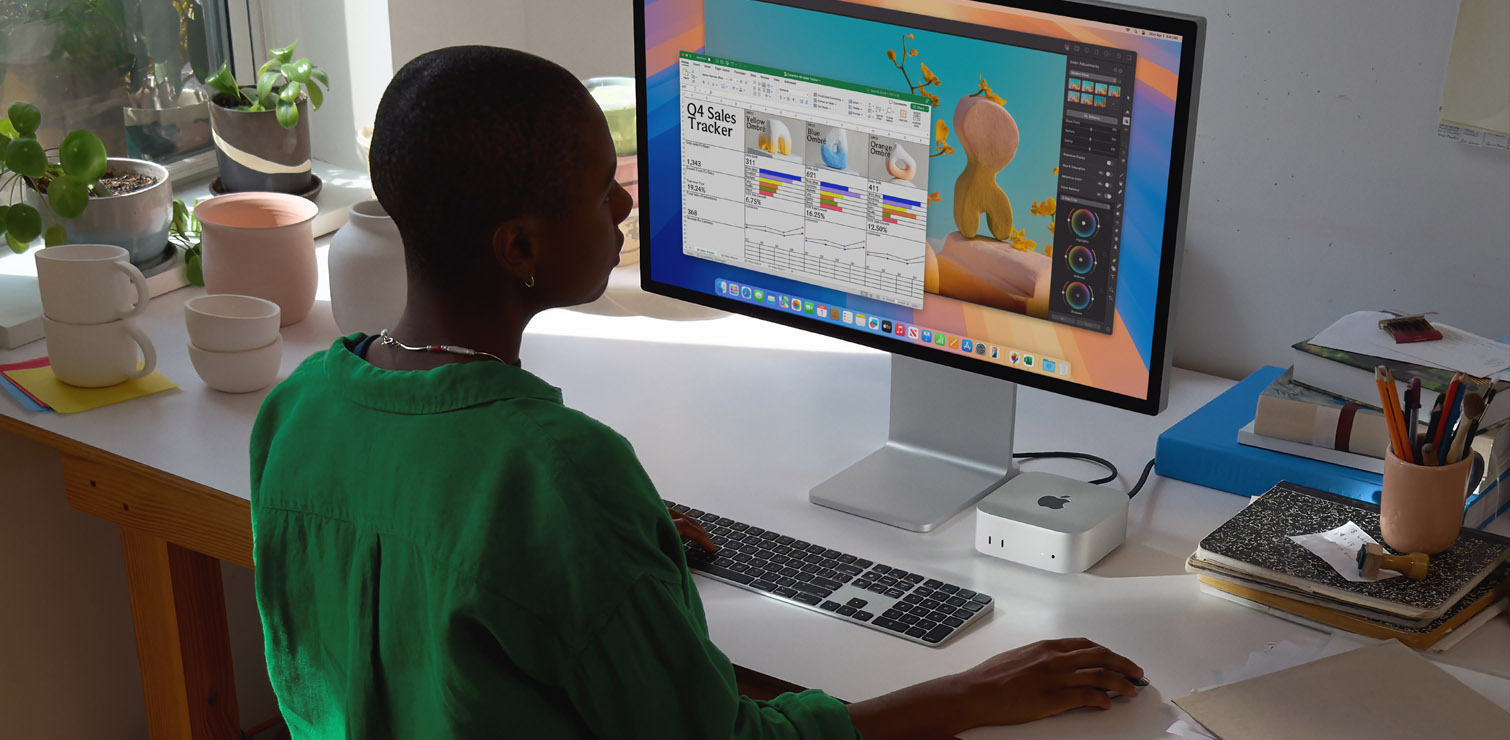
Zero-touch deployment means exactly what it sounds like: a new employee opens their Mac, powers it on, and it configures itself. The right apps install automatically. Security policies apply without IT touching the device. The employee is productive on day one. There are no piles of laptops, no setup marathons, and no one asking IT why their email isn't working.
For teams under 100 devices, getting this right is more achievable than most people think but it does require a few foundational pieces in place before it just works.
What Actually Happens During Zero-Touch Deployment
When a device powers on for the first time, it contacts activation servers through Apple to check whether it's been assigned to an organization. If it has, it receives its MDM enrollment profile automatically, applies the organization's configuration, and installs the required apps all before the employee ever gets past the setup screen.
This works through two core components:
Apple Business is the enrollment authority. This is the side of the equation from Apple. It links a device's serial number to your organization when the device is purchased through Apple or an authorized reseller. That's the key: devices have to be purchased through the right channel to be automatically registered. If someone buys a MacBook at the Apple Store with a personal card, that device isn't in your Apple Business account and can't enroll automatically.
Your MDM platform is the policy engine. This is your side of the equation. It's where your apps, security policies, and configurations live. When a device enrolls through ABM, it checks in with your MDM and receives everything it's supposed to have.
Those two pieces working together are what makes zero-touch possible. Apple Business tells Apple which organization owns the device. MDM tells the device what to do once it knows.
A note on Apple Business (new in 2026)
Apple recently consolidated its business tools, including Apple Business Manager, into a single free platform called Apple Business that launched on April 14, 2026. For smaller organizations, this is worth knowing about because Apple Business now includes a built-in MDM option with Blueprints, which lets you pre-configure devices with specific apps and settings before they ship to employees.
This doesn't change the two-component architecture above. Apple Business is still the enrollment authority, and you still need an MDM. What's new is that for simple environments, the built-in MDM from Apple may be enough to get started with no third-party platform required. For teams with more complex needs, a dedicated MDM like Jamf remains the right call.
What You Need Before Anything Else
The most common reason zero-touch deployments fail isn't the MDM. It's missing prerequisites that nobody checked before the devices arrived. Make sure you have:
- An Apple Business account. This requires organizational verification from Apple, including a valid D-U-N-S number. The verification process takes time, so if your organization isn't already in Apple Business, start here first.
- Devices purchased through the right channel. Only devices purchased from Apple directly or through Apple Authorized Resellers can be automatically registered in Apple Business. This matters for procurement decisions. A well-meaning office manager ordering MacBook computers from a consumer retailer can create enrollment headaches that require manual workarounds to fix.
- A configured MDM before devices arrive. Zero-touch only works if there's a policy to apply at enrollment. If your MDM isn't configured when the first device powers on, the device enrolls into an empty environment.
- Network access at first boot. Devices need internet connectivity to contact activation from Apple servers during setup. For most offices this isn't an issue, but remote employees or devices shipped to field locations need Wi-Fi credentials pre-configured in the enrollment profile.
What Proper Setup Actually Looks Like
Zero-touch sounds simple, and it is for the people who are getting the devices. However, under the hood, there's real configuration work that determines whether it's reliable. Here are a few things to consider during setup that can boost reliability and prevent issues:
- Enrollment profiles need to be non-removable. Without this, an employee can manually remove the MDM profile and take the device outside organizational control. This is a security gap that's easy to close and commonly missed in DIY deployments.
- App deployment needs to be tested before it's live. Pushing required apps through MDM works well when configured correctly. It's also the first thing to break when something is misconfigured. Testing the enrollment workflow on a single device before deploying to the whole fleet helps to catch problems before they affect your employees.
- User groups should be defined before devices enroll. Most MDM platforms let you assign different configurations to different groups, like executives, field staff, contractors, and finance. If you set those groups up after devices are already enrolled, you're retrofitting policies onto a messy environment instead of starting clean.
- Lifecycle planning matters even at small scale. Zero-touch deployment is the beginning of a device's life in your organization, not the whole story. What happens when someone leaves? When a device gets lost? A deployment that doesn't account for the full lifecycle creates manual work at every transition point.
MBS Can Help
For teams under 100 devices, a well-configured MDM environment may not feel like a huge project. Most smaller organizations that try to stand up zero-touch deployment on their own get the basics working and miss the things they don't know to look for: unenforced enrollment profiles, incomplete app deployment, policy gaps that surface during an audit, procurement processes that bypass Apple Business enrollment. These are the kind of configuration debt that compounds unnoticed until something goes wrong.
Mac Business Solutions (MBS) works with growing organizations to get zero-touch deployment right from the start. We handle the Apple Business setup, MDM configuration, enrollment profile design, app deployment, and lifecycle planning. We also make sure your procurement process keeps new devices in the automated enrollment workflow as your team grows.
If you're adding headcount and your device setup process doesn't scale with you, talk to MBS about zero-touch deployment.
Want to learn more?