
















































Passkeys, Not Passwords, Are the Future of Apple Device Authentication

As cybersecurity threats grow more sophisticated, Apple is leading the charge toward a passwordless future with passkeys. For IT leaders managing Mac, iPhone, and iPad fleets, this shift offers enhanced security and streamlined user experiences.
What Are Passkeys?
Passkeys are a secure replacement for passwords. Instead of storing a string of characters, passkeys rely on biometric or device-based authentication. They use public key cryptography, meaning the private key stays on the user’s device while the public key is stored with the service. This eliminates the threat of password leaks or phishing attacks.
Why It Matters for Apple Environments
Apple has integrated passkey support into macOS, iOS, and Safari, and leading password managers like iCloud Keychain now support them. This makes Apple-first workplaces ideal candidates for adopting passkeys across the board.
Benefits for Businesses
- Stronger security with reduced phishing risk
- Easier login for users, fewer forgotten password issues
- Works across Apple devices and major platforms
- Faster onboarding and access provisioning
How to Prepare Your Organization
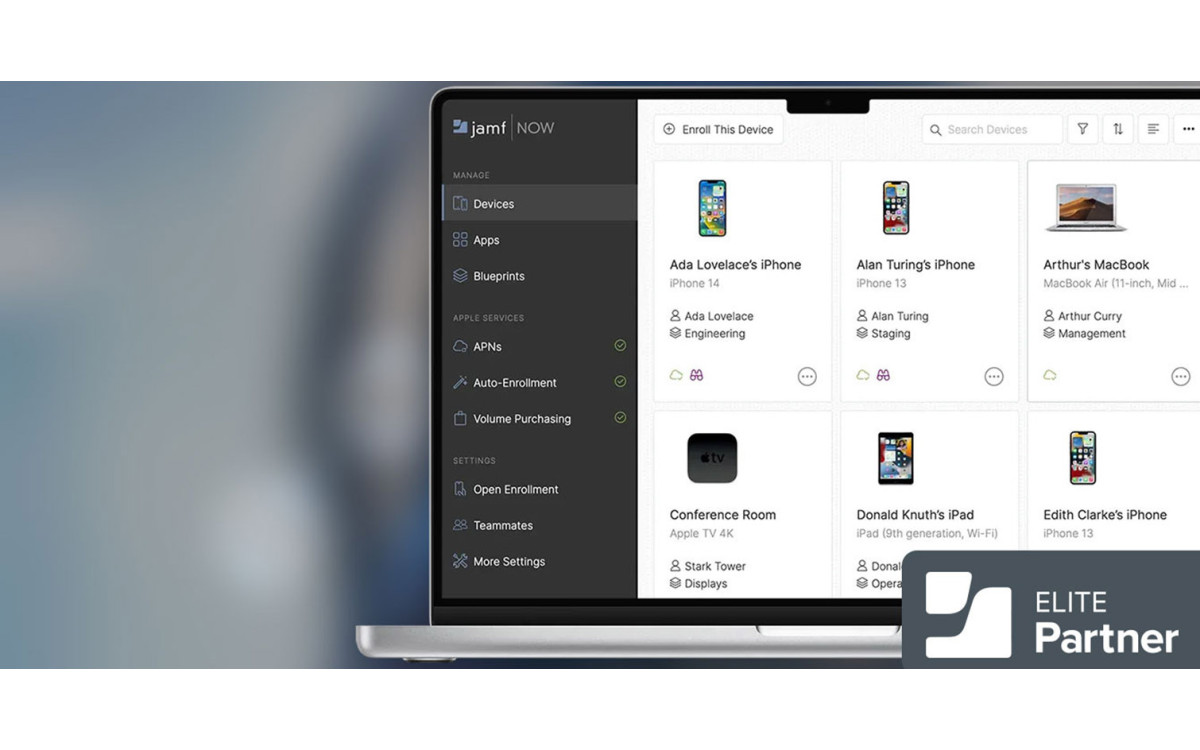
For organizations using MDM tools like Jamf Pro, managing passkeys is easier than ever. Admins can configure security settings that guide users toward using biometric logins and passkey-compatible services.
Start by:
- Identifying apps and tools that support passkeys
- Educating your team on how to use them
- Updating your device management policies
Transitioning to passkeys also requires a mindset shift across your organization. While users may be familiar with Face ID or Touch ID, they may not fully understand how passkeys differ from traditional passwords. Training should highlight the security benefits of passkeys and walk users through setup and recovery procedures in case devices are lost or replaced.
IT leaders should also update incident response plans to reflect the new authentication methods. Unlike passwords, passkeys cannot be phished or reused, but stolen devices still pose a risk if not properly secured. Device management tools can enforce biometric authentication and remote wipe protocols to mitigate this.
It is also important to audit your software stack. Some legacy systems and web services may not yet support passkeys. Creating an inventory of apps used across the organization and identifying gaps in passkey support will help prioritize upgrades or replacements that align with your security roadmap.
For organizations managing both Apple and non-Apple environments, consider how passkeys can be implemented across platforms. While Apple is a leader in this space, Google and Microsoft are also embracing passkey standards, enabling broader adoption with cross-platform compatibility.
Ultimately, adopting passkeys is about more than technology. It is a step toward a more secure and user-friendly authentication model that aligns with modern cybersecurity goals.
MBS helps businesses modernize authentication strategies with the latest Apple tools. As passkeys become the new standard, now is the time to upgrade your authentication approach for stronger, simpler, and more secure access across your Apple environment.
Want to learn more?