
















































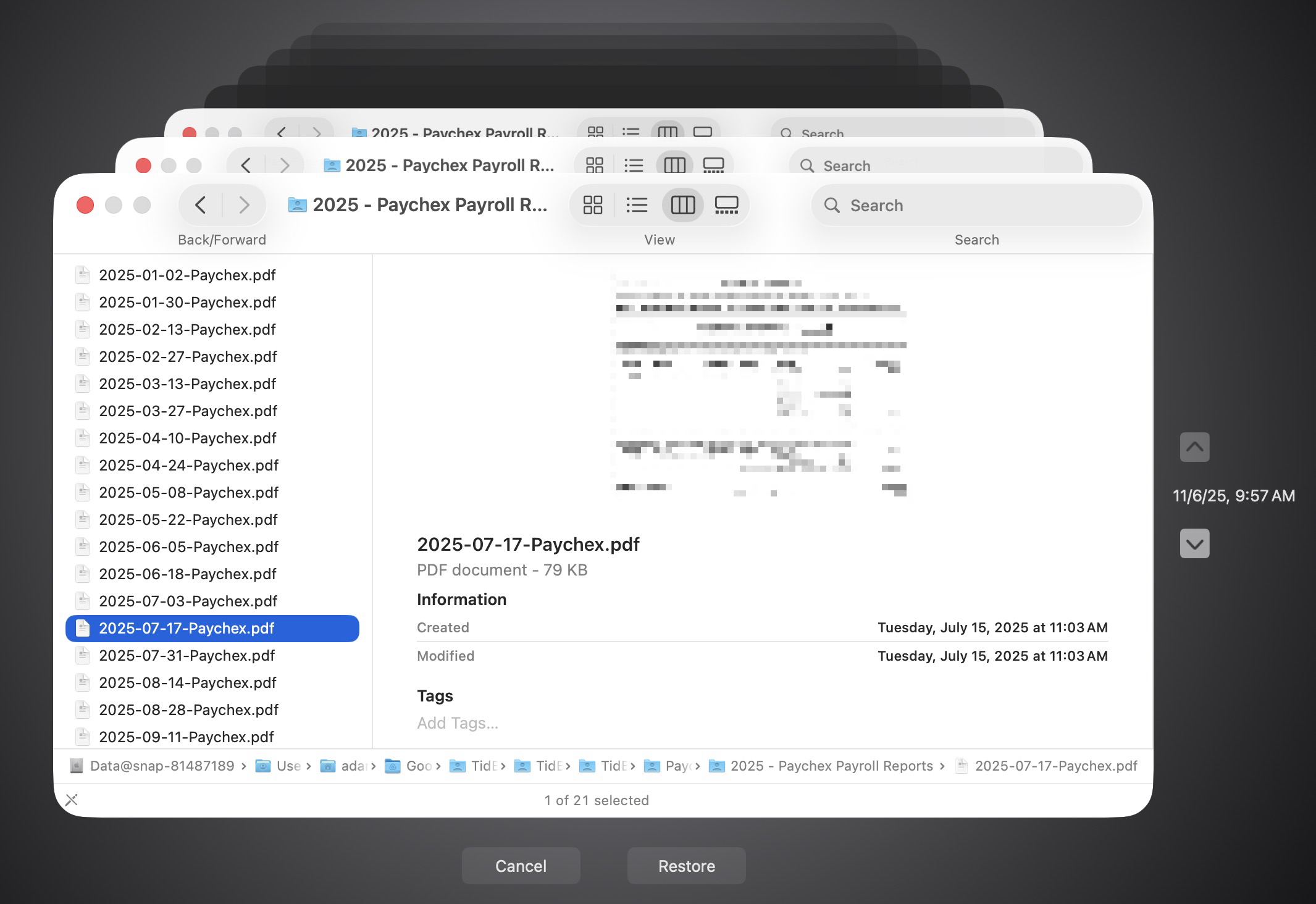
It’s easy to assume your backup app—whether it’s Time Machine, Carbon Copy Cloner, Backblaze, Retrospect, or something else—is quietly doing its job. But it’s possible for a bug to corrupt backups or for a destination disk to fail silently, such that you can’t restore backed-up data. We’ve seen this happen! For peace of mind, set a quarterly reminder to verify your backups. Test by restoring a few files and opening them: for Time Machine, enter Time Machine and restore a few important files; for a clone, mount it and open files; for a cloud backup, perform a small restore. Backup failures aren’t common, but since backups are your lifeline after a catastrophe, it’s worth confirming they work.
(Featured image by iStock.com/Andreus)
Social Media: Don’t just trust your backups—verify them. Each quarter, restore a few files from Time Machine, your clone, or your cloud backup, and make sure they open correctly. Silent failures happen; test restores prevent nasty surprises.
Want to learn more?